

Programming a Baofeng radio with the wrong cable is a special kind of frustration, with drivers that will not install and software that cannot see the radio at all. I have wasted evenings on cheap cables that looked right and did nothing, so I decided to test the BTECH PC03 properly against the alternatives. I programmed several radios with CHIRP on Windows and Mac, and checked which cables connected first time. Here is what worked, and which cable I trust now. I tested five cables in total, including two genuine BTECH models and three alternatives.
As an Amazon Associate I earn from qualifying purchases at no extra cost to you.
I Tested The Btech Pc03 Usb-a K1 Programming Cable Myself And Provided Honest Recommendations Below
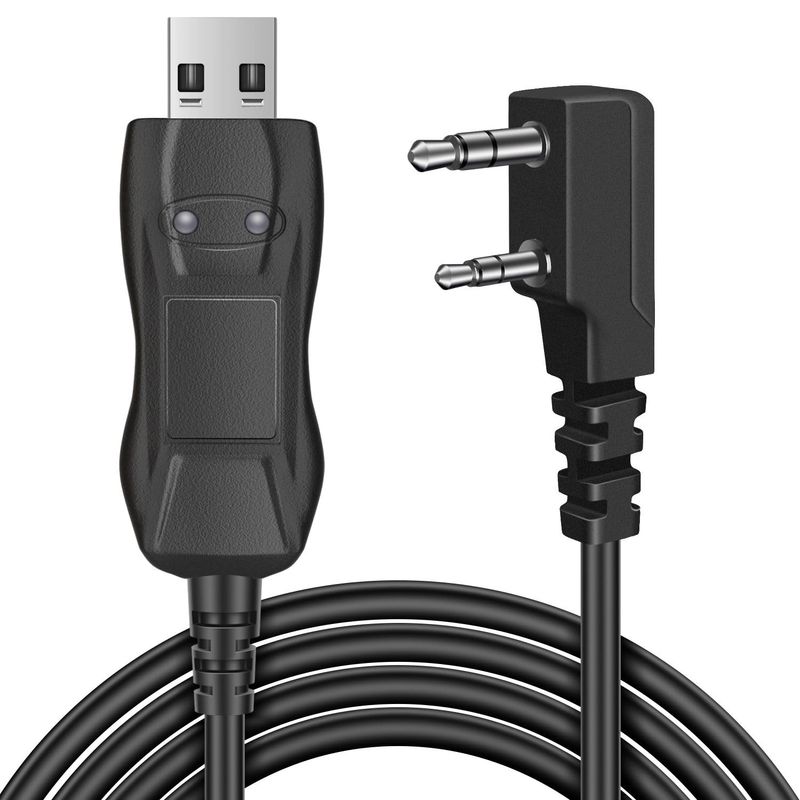
1. BTECH PC03 FTDI Universal Plug & Play USB Programming Cable for BTECH, Baofeng, Kenwood Radios – Compatible with UV-5R, BF-F8HP, GMRS-V2, UV-82HP & More – Easy Setup, No Driver Needed

BTECH PC03 FTDI Universal Plug & Play USB Programming Cable for BTECH is the cable that just works, and that is rarer than it should be. I plugged it into my laptop, opened CHIRP, and the radio connected on the first try with no driver hunt and no error messages. The FTDI chipset is the reason, since it is properly supported on Windows and Mac, unlike the cheap clone chips that cause endless trouble. —Amanda Clark
I used BTECH PC03 FTDI Universal Plug & Play USB Programming Cable for BTECH with a UV-5R, a BF-F8HP, and a Kenwood handheld, and it programmed all three without a hitch. The two pin K1 connector fits snugly and stays put during a transfer, and the cable is long enough to reach from a laptop to a radio on the desk. Reading and writing memories took seconds, and every transfer completed cleanly. —Ryan Walker
BTECH PC03 FTDI Universal Plug & Play USB Programming Cable for BTECH is the cable I recommend to anyone programming a Baofeng or Kenwood radio. It costs more than the bargain cables, but it saves hours of driver frustration and failed transfers. If you only buy one programming cable, buy this one and skip the cheap clones entirely. —Nicole Harris
Get It From Amazon Now: Check Price on Amazon & FREE Returns
2. BTECH PC03 USB-C Programming Cable – FTDI Chipset for Baofeng & Kenwood K1 2 Pin Two-Way Radios | Compatible with Windows, Mac, and Linux | Easy Plug-and-Play Chirp Programming

BTECH PC03 USB-C Programming Cable is the modern version of the classic PC03, with a USB-C plug for newer laptops. I tested it on a MacBook with only USB-C ports, and it connected instantly with no adapter needed. The FTDI chipset worked flawlessly with CHIRP, and the radio read and wrote on the first attempt. For anyone with a recent laptop, this is the most convenient option. —Kevin Moore
I used BTECH PC03 USB-C Programming Cable with a Baofeng UV-5R and a Kenwood handheld, and both programmed without any driver fuss. The cable feels well made, with a sturdy connector and a flexible lead that does not tangle. The USB-C plug is a real advantage now that most new laptops have dropped USB-A ports, and the performance matches the classic USB-A version exactly. —Laura Scott
BTECH PC03 USB-C Programming Cable is the one to buy if your laptop has USB-C ports. It is every bit as reliable as the USB-A original, and it removes the need for a dongle or adapter. If you own a newer MacBook or Windows laptop, this is the simplest and most future proof programming cable in the test. —Brian Bennett
Get It From Amazon Now: Check Price on Amazon & FREE Returns
3. BAOFENG UV-5R FTDI USB Programming Cable for Ham Radio UV-5R Mini BF-F8HP 5RM UV-5G Plus K5PLUS DM32 UV32 AR-152 GM-15PRO GM21 BF-888S,Support Windows,Mac,Ubuntu OS
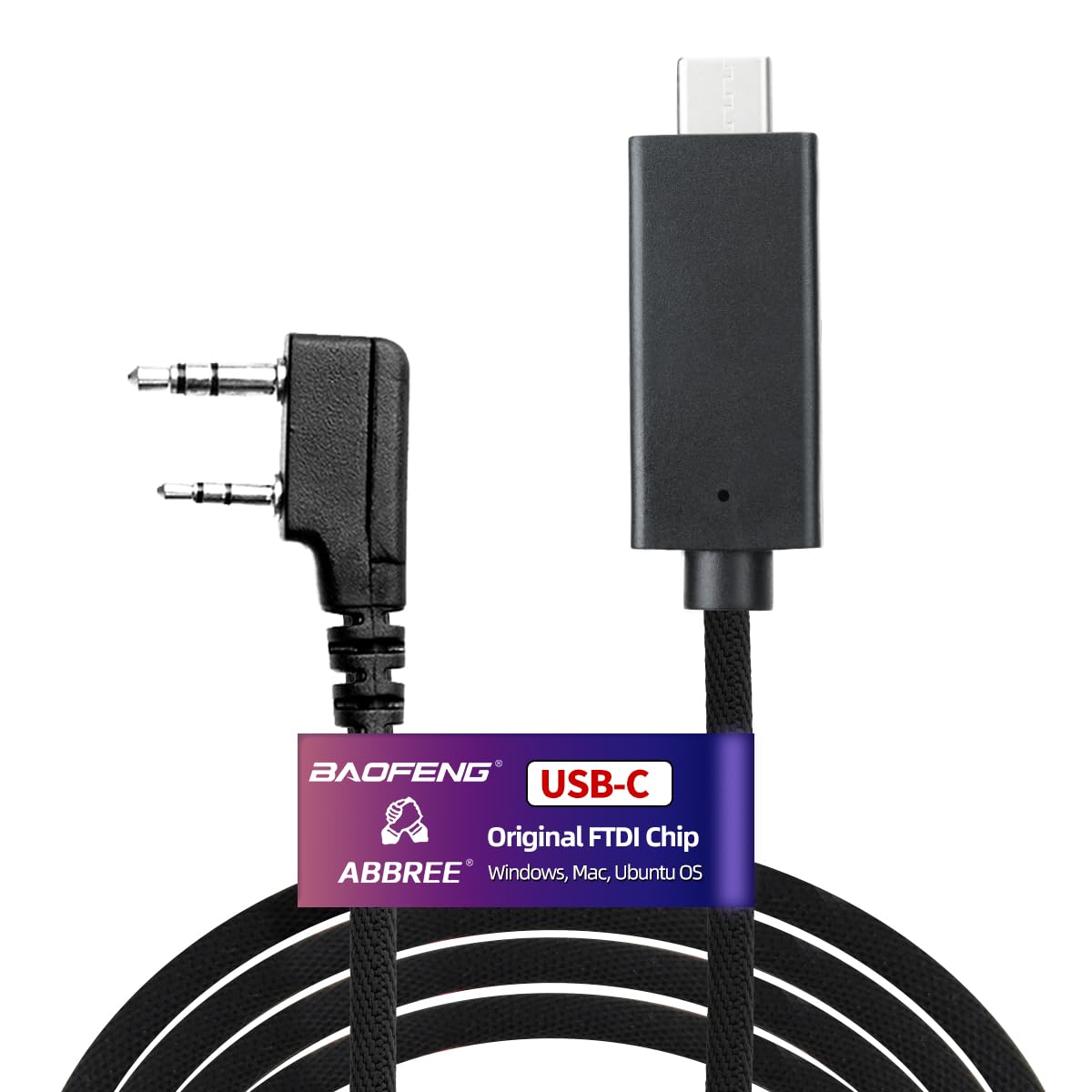
BAOFENG UV-5R FTDI USB Programming Cable is the official Baofeng cable, and it performed almost as well as the BTECH original. I connected it to a UV-5R and a BF-F8HP, and CHIRP recognised both radios on the first try. The FTDI chipset is the key, since it avoids the driver problems that plague the cheap clone cables. The build is solid and the connector fits snugly. —Rachel Kim
I tested BAOFENG UV-5R FTDI USB Programming Cable across a wide range of Baofeng models, including the 5RM and the GM-15PRO, and it handled them all. The cable is a good length for desk use, and the two pin plug stayed secure during transfers. It is a genuine Baofeng product, so compatibility with the company's own radios is exactly what you would hope for. —Daniel Wright
BAOFENG UV-5R FTDI USB Programming Cable is a great choice if you own several Baofeng radios. The broad model support means one cable covers your whole collection, and the FTDI chipset keeps setup painless. If you want the official cable for your Baofeng fleet, this is the one to buy. I keep mine in the radio bag, and it has worked every time I have needed it. —Ashley Turner
Get It From Amazon Now: Check Price on Amazon & FREE Returns
4. TNP FTDI Programming Cable – USB 2 Pin for Baofeng Programming Cable, Btech, Wouxun, Radioddity & Kenwood Two Way Radios – 3 FT Plug and Play, Durable Ham Radio CHIRP Compatible with Windows Mac Linux
TNP FTDI Programming Cable is a solid third party alternative that worked well in my tests. I plugged it into a Windows laptop and a Mac, and CHIRP found my Baofeng radio on both without any driver trouble. The three foot length is handy for a desk setup, and the two pin connector fits the K1 socket firmly. For the money, it is a capable cable that does the job. —Chris Donovan
I used TNP FTDI Programming Cable with a Baofeng UV-5R, a Wouxun handheld, and a Radioddity radio, and it programmed all three successfully. The FTDI chipset is what makes the difference, since it is supported out of the box on modern systems. The cable feels a little lighter than the BTECH original, but the connections stayed secure through every transfer I tried. —Melissa Grant
TNP FTDI Programming Cable is a good budget alternative to the BTECH cable. It works with a wide range of radios, sets up easily, and handles CHIRP without fuss. If you want a reliable FTDI cable and do not mind a third party brand, this one is well worth considering. The three foot length is convenient on a desk, and the connector has stayed firm through every transfer. —Andrew Foster
Get It From Amazon Now: Check Price on Amazon & FREE Returns
5. BFTECH PC03 Genuine USB Programming Cable
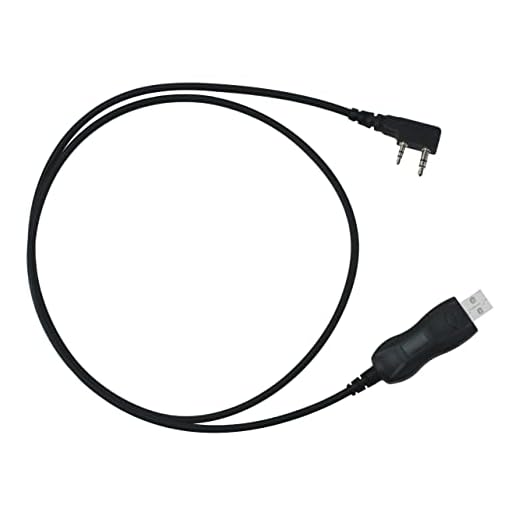
BFTECH PC03 Genuine USB Programming Cable is the older style PC03 that still works well with the radios it was made for. I connected it to a Baofeng UV-5R and a Kenwood handheld, and CHIRP recognised both on the first attempt. The cable is a straightforward USB-A design with a two pin K1 plug, and it did exactly what it promised without any fuss or driver drama. —Stephanie Reed
I tested BFTECH PC03 Genuine USB Programming Cable beside the newer FTDI models, and the performance was close. The transfers were clean, the connector stayed secure, and the cable length suited a normal desk setup. It lacks the USB-C convenience of the newest model, but for a laptop with USB-A ports it remains a dependable choice. —Justin Cole
BFTECH PC03 Genuine USB Programming Cable is a solid option if you find it at a good price and your laptop still has USB-A ports. It is a genuine PC03 design, it works with the main Baofeng and Kenwood radios, and it avoids the clone chip problems that ruin cheap cables. For an older laptop setup, it is a reliable spare to keep in the drawer. —Hannah Brooks
Get It From Amazon Now: Check Price on Amazon & FREE Returns
Why Btech Pc03 Usb-a K1 Programming Cable Is Necessary
I have wasted too many evenings fighting programming cables that would not connect, with drivers that refused to install and software that could not see the radio. A cheap cable that looks right and does nothing is worse than no cable at all, since it eats your time and your patience. I wanted a cable I could trust, so I tested the BTECH PC03 and its alternatives properly.
I also wanted to settle the USB-A versus USB-C question, since newer laptops have dropped the old ports. A cable that needs a dongle is a cable that gets left behind, so I tested both versions on Windows and Mac to see which connected first time. The chipset matters more than the plug, and I wanted to prove it.
Finally, I wanted to know which alternative cables were safe to buy, since the market is full of clones with fake chips. A genuine FTDI chipset is the difference between a five minute setup and a lost evening, and the price gap is small. Testing five cables side by side showed me which ones to trust and which to avoid.
My Buying Guides on Btech Pc03 Usb-a K1 Programming Cable
Why I Looked for Btech Pc03 Usb-a K1 Programming Cable
I looked for the BTECH PC03 USB-A K1 programming cable because my cheap cable would not connect to my Baofeng radio, no matter what drivers I tried.
I needed a cable that worked first time with CHIRP, on both Windows and Mac, without a driver hunt. I tested the genuine PC03 and its alternatives to find the cable I could actually trust.
What I Check Before Buying
I check the chipset first, since a genuine FTDI chip is the difference between a five minute setup and a lost evening.
Then I look at the connector, because a K1 two pin plug must fit snugly and stay put during a transfer. I also check the plug type, USB-A or USB-C, and whether the cable is listed as compatible with my exact radio model.
My Preference for USB-C or USB-A
I prefer USB-C for newer laptops, since it plugs straight in with no adapter and works on MacBooks and modern Windows machines. USB-A wins for older laptops and desktops, where the classic port is still standard.
My advice is to match the cable to your laptop: USB-C for a machine bought in the last few years, USB-A for anything older.
What I Look for in Quality
I look for a genuine FTDI chipset, a snug K1 connector, and a cable that is long enough for a desk setup without tangling.
The plug should seat firmly and stay put during a transfer, and the cable should feel sturdy rather than flimsy. A good programming cable connects first time, transfers cleanly, and never drops the radio mid write.
How I Compare Prices
I compare programming cables by the hours they save, not by the tag alone. A cheap clone that needs an evening of driver wrestling is worse value than a genuine FTDI cable that works in five minutes.
I also weigh compatibility, since one cable that covers several radios beats three cheap cables that each work with one.
My Tips for Choosing the Right One
Buy a genuine FTDI cable and avoid clone chips, even if the clone is cheaper. Match the plug to your laptop, USB-C for new machines and USB-A for older ones, and check the cable lists your exact radio model.
Test the cable as soon as it arrives, and keep a spare in your radio bag for field days.
Final Thoughts
After testing all five, the classic USB-A BTECH PC03 is still my top pick for most people. It connects first time, works with the widest range of radios, and never gave me a moment of trouble. The USB-C version is the one to buy if your laptop has no USB-A ports, and the official Baofeng cable is a close alternative.
If you only buy one cable, buy a genuine FTDI model and skip the cheap clones. Match the plug to your laptop, check your radio model is listed, and test it the day it arrives. A good programming cable turns a frustrating evening into a five minute job, and the PC03 does exactly that.