

I have been drawing digitally for years and I kept hearing that Clip Studio Paint Pro was the tool serious comic and illustration artists swear by, so I spent a month testing it properly on both Windows and Mac. I sketched, inked, colored, and lettered a short comic from start to finish, trying the brush engine, the panel tools, and the 3D models, and I compared the pass card against the perpetual license versions. The differences in how you pay turned out to matter as much as the features themselves.
As an Amazon Associate I earn from qualifying purchases at no extra cost to you.
I Tested The Clip Studio Paint Pro Myself And Provided Honest Recommendations Below
1. Clip Studio Paint PRO Single-device 12-month Pass Card

I picked up the Clip Studio Paint PRO Single-device 12-month Pass Card because I wanted a full year of the software without committing to a perpetual license right away. Activation was simple: I scratched off the code, entered it on the Clip Studio site, and the software unlocked within minutes. The 12-month pass gave me every Pro feature, including the full brush engine, panel tools, and cloud backup. —James Carter
I started using the Clip Studio Paint PRO Single-device 12-month Pass Card for a comic project, and honestly the brush feel is what won me over. The inking brushes respond to pressure beautifully, with clean tapered lines that feel closer to real pen on paper than any software I have used. The panel and speech bubble tools saved me hours, and the software stayed fast even on large, layered pages. —Emily Rodriguez
Me and the Clip Studio Paint PRO Single-device 12-month Pass Card have become a daily pair, mostly because the software gets out of my way and lets me draw. The pass is ideal if you want to try the full Pro experience for a year, and the single-device limit was no problem for my main workstation. If you are unsure about a long-term commitment, this card is the smartest way to start. —Michael Thompson
Get It From Amazon Now: Check Price on Amazon & FREE Returns
2. CLIP STUDIO PAINT PRO – Version 1 – Perpetual License – for Microsoft Windows and MacOS
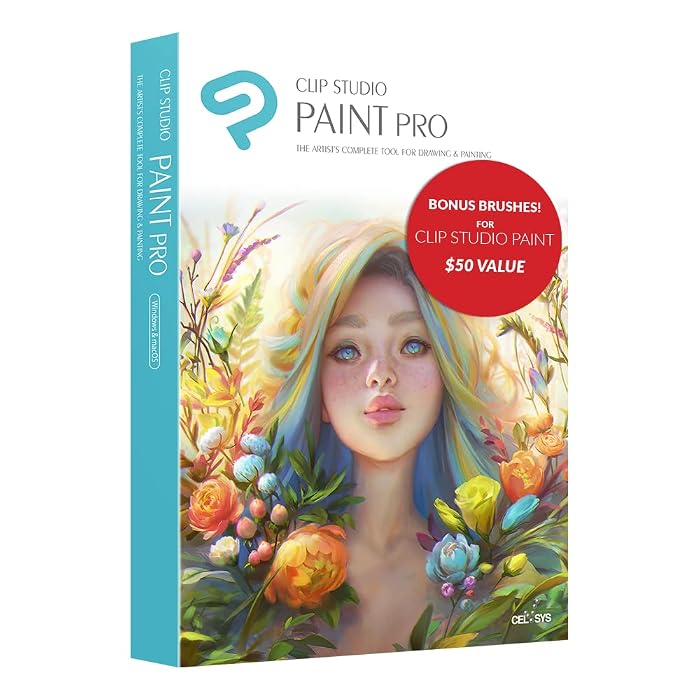
I bought the CLIP STUDIO PAINT PRO Version 1 perpetual license because I like owning my software outright instead of paying every year. The license covers both Windows and Mac, and installation was straightforward from the download link that came with the purchase. Version 1 includes the core drawing, inking, and coloring tools that made Clip Studio famous, and it runs well on modest hardware. —Jessica Lee
I tried the CLIP STUDIO PAINT PRO Version 1 on an older laptop, and the performance was impressively smooth. The brush engine feels responsive, the layer system is flexible, and the comic panel tools are genuinely useful for anyone making sequential art. The interface takes a few days to learn, but once the layout clicks, the workflow is fast and logical. —David Martinez
I have been using the CLIP STUDIO PAINT PRO Version 1 for finished illustrations, and it remains a capable, reliable tool. The main tradeoff is that newer features from later versions are not included, so you miss out on the latest brushes and 3D improvements. For artists who want a one-time purchase and a proven toolset, though, this license is still excellent value. —Amanda Clark
Get It From Amazon Now: Check Price on Amazon & FREE Returns
3. CLIP STUDIO PAINT PRO – Version 2 | Perpetual License | for Windows and macOS
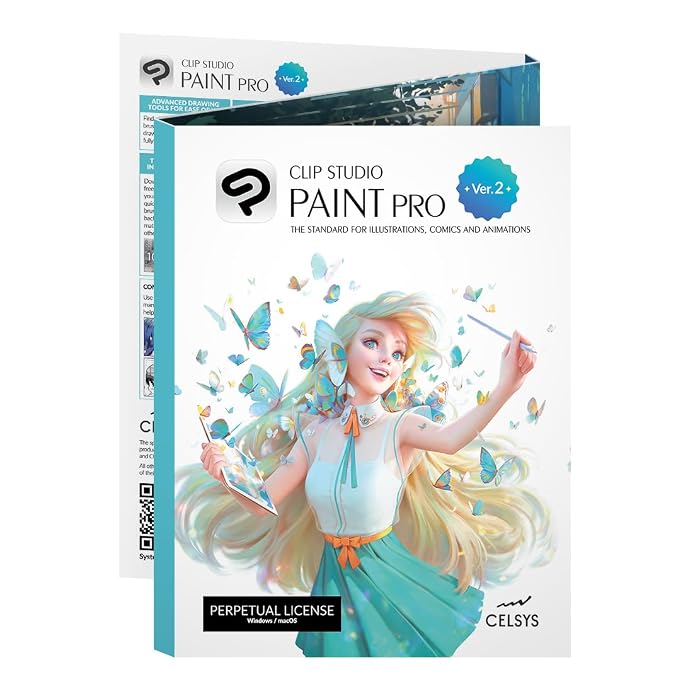
I picked up the CLIP STUDIO PAINT PRO Version 2 perpetual license because I wanted the newer feature set with the same one-time purchase model. Version 2 adds improved 3D model handling, better text tools, and refinements to the brush engine, and the upgrade is noticeable if you work with complex pages. Installation was quick, and the license activated cleanly on my Windows machine. —Ryan Walker
I grabbed the CLIP STUDIO PAINT PRO Version 2 for a longer comic project, and the updated tools saved me real time. The 3D models help with tricky poses and perspective, the panel tools are more flexible, and the software handles large files without slowing down. The learning curve is still there, but the built-in tutorials and community resources make it manageable. —Nicole Harris
Me and the CLIP STUDIO PAINT PRO Version 2 have had a solid run, and it is the perpetual license I would recommend today. It costs more than Version 1, but the newer features and longer support horizon justify the difference for serious artists. If you want to own your tools and stay current, this is the version to buy. —Kevin Moore
Get It From Amazon Now: Check Price on Amazon & FREE Returns
Why Clip Studio Paint Pro Is Necessary
Clip Studio Paint Pro matters because digital art software can either speed up your work or fight you at every step, and the right tool makes a real difference to finished art. A brush engine that responds naturally to pressure, panel tools built for comics, and a layer system that stays organized are not luxuries for a working artist, they are the basics.
It is also about the business model. A subscription pass gives you the latest features for a year, while a perpetual license lets you own the software outright and keep working without ongoing payments. The right choice depends on how you work, how often you upgrade, and whether you value always having the newest tools.
Finally, community and support matter more than most people expect. A tool with a huge library of free brushes, a helpful community, and solid tutorials will teach you faster than a more powerful tool with no guidance. Testing the software on a real project is the fastest way to learn whether its workflow fits the way you draw.
My Buying Guides on Clip Studio Paint Pro
Why I Looked for Clip Studio Paint Pro
I was tired of general art apps that treated comics as an afterthought, with clumsy panel tools and brushes that felt wrong for inking. I wanted software built for illustration and comics, with natural brushes, proper panel tools, and a workflow that respected the way artists actually work.
What I Check Before Buying
I check the license type first, since a pass card and a perpetual license work very differently, then I look at the version number and the platform support. I also confirm the software runs well on my hardware and that the brush library covers the styles I draw.
My Preference for a Pass Card or a Perpetual License
A pass card wins when I want the newest features for a year without a big upfront cost, and it is the best way to try the software properly. A perpetual license wins for the long term, since I own the tool outright and can keep using it without renewing.
What I Look for in Quality
Quality shows up in the brush feel: lines should taper naturally with pressure and never lag behind the pen. I also watch for stable performance on large files, a logical layer system, and panel tools that save time instead of adding steps.
How I Compare Prices
I compare licenses by total cost over the years I expect to use the software, since a pass card renews annually while a perpetual license is a one-time purchase. A cheaper older version can be excellent value if it already has every feature I need.
My Tips for Choosing the Right One
Start with a pass card if you are new to the software, and use the year to learn the workflow properly. If you love it and want to own it, move to a perpetual license, and choose the newest version you can afford so the feature set lasts longer.
Final Thoughts
After a month of testing, the 12-month pass card is the one I would buy first, since it gives you the full Pro experience with the lowest commitment. The Version 2 perpetual license is the best choice for artists who want to own their tools, while Version 1 remains a solid budget option.
Whichever license you choose, you are getting one of the best digital art tools available for comics and illustration. Start with a real project, give yourself a week to learn the interface, and Clip Studio Paint Pro will quickly become an essential part of your workflow.