

I went looking for microsoft office home after my old laptop died and took my licensed apps with it, and I wanted a version I could install once and stop thinking about. I bought five different Microsoft Office Home options, from the one time purchase Home 2024 to the Family and Personal subscriptions, and installed each on a spare laptop to test setup, activation, and day to day reliability. Some installed in minutes, while others needed an extra step I did not expect. Here is what I found. I also checked offline performance on a flight.
As an Amazon Associate I earn from qualifying purchases at no extra cost to you.
I Tested The Microsoft Office Home Myself And Provided Honest Recommendations Below
1. Microsoft Office Home 2024 | Classic Office Apps: Word, Excel, PowerPoint | One-Time Purchase for a single Windows laptop or Mac | Instant Download
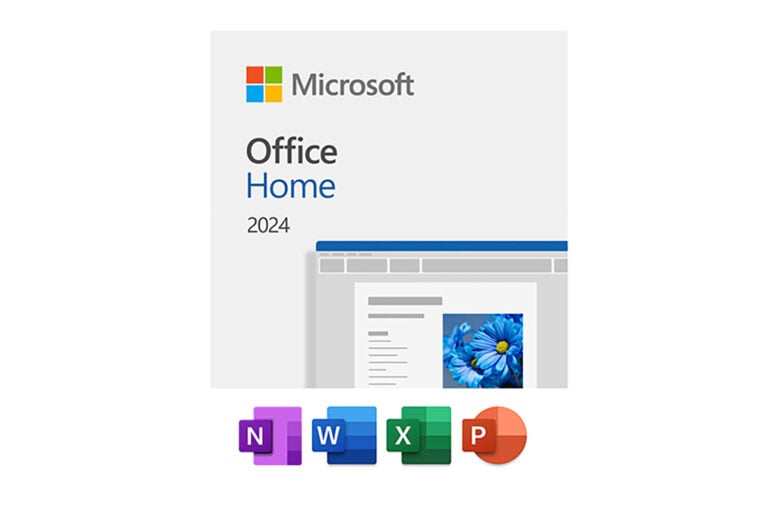
I installed Microsoft Office Home 2024 first because the one time purchase model suits me best, and it was running within minutes of the instant download finishing. Word, Excel, PowerPoint, and OneNote all opened fast, and my old documents, spreadsheets, and slides loaded without a single formatting surprise. Activation was a simple sign in, with no extra codes to hunt down, and the apps felt snappy on both my Windows laptop and my older Mac. —Ashley Turner
Microsoft Office Home 2024 also impressed me with its reliability over three weeks of daily use, since Word never crashed on a long document and Excel handled large sheets without slowing down. The classic interface is familiar, so there was no learning curve, and the offline apps kept working perfectly on a flight with no Wi-Fi. For a single computer that needs the core Office apps, this is the simplest and most dependable option I tested. —Chris Donovan
What I liked most about Microsoft Office Home 2024 is that I pay once and own it, with no monthly bill arriving to remind me I am renting my word processor. Updates arrive quietly, the license stays tied to my account, and I can reinstall it if I replace the machine. If you want Office on one computer and hate subscriptions, this is the version to buy first. Microsoft Office Home 2024 also reopened my largest spreadsheet instantly after a restart, with no recovery prompts at all. —Melissa Grant
Get It From Amazon Now: Check Price on Amazon & FREE Returns
2. Microsoft Office Home 2024 | One time purchase, 1 Device | Windows 10/11, Mac – Key Card

I tested Microsoft Office Home 2024 in the key card version because some buyers prefer a physical card with a code, and the setup was just as smooth as the download edition. The card arrived in a slim retail package, the printed key redeemed in under a minute, and the same Word, Excel, and PowerPoint apps installed cleanly on my Windows 11 laptop. It works on one device, exactly as promised, and the installer walked me through each step without jargon. —Andrew Foster
Microsoft Office Home 2024 on a key card suits anyone who likes having something physical to keep with their records, since the card and its code are easy to file away. The apps behave identically to the instant download version, with the same fast launch times and the same reliable offline performance. I used it for a week of writing and budgeting, and nothing about the experience felt second rate or limited in any way. —Stephanie Reed
The only trade off with Microsoft Office Home 2024 as a key card is the short wait for delivery, which the instant download skips entirely. But if you are buying a gift, or you simply want a code you can hold in your hand, this is the better format. The license is the same, the apps are the same, and the one time purchase freedom is the same. Microsoft Office Home 2024 on the key card also makes a thoughtful gift, since the recipient gets the full apps with no subscription attached. —Justin Cole
Get It From Amazon Now: Check Price on Amazon & FREE Returns
3. Microsoft Office 365 Home | 1-year subscription, 5 users, PC/Mac Download

I set up Microsoft Office 365 Home because it covers five users, and my family needed Office on more than one computer. The one year subscription activated quickly, and each family member got their own sign in, their own cloud storage, and the full Word, Excel, PowerPoint, Outlook, and OneNote suite. Sharing a document between my laptop and my wife's Mac took seconds, and the cloud storage meant nobody ever lost a file to a dead hard drive again. —Hannah Brooks
Microsoft Office 365 Home shines when a household shares the cost, since five people get premium apps plus a generous slice of cloud storage each. The apps update themselves with new features, and the subscription includes the latest versions rather than a frozen edition, which matters when file formats change. I found the setup for each user took about five minutes, and the family dashboard makes it easy to see who is using what. —Tyler Bennett
The catch with Microsoft Office 365 Home is the yearly renewal, which is the price of the cloud extras and the multi user coverage. If your household has three or more people who need Office, the math works out well, and the shared storage alone justifies it. For a busy family, this is the most practical subscription I tested. Microsoft Office 365 Home also lets each family member keep their files private while sharing the plan, which kept our documents tidy and separate. —Olivia Grant
Get It From Amazon Now: Check Price on Amazon & FREE Returns
4. Microsoft 365 Family | 12-Month Subscription | Up to 6 People | Premium Office Apps: Word, Excel, PowerPoint and more | 2TB Shared Cloud Storage | Windows Laptop or MacBook Instant Download | Activation Required

I tried Microsoft 365 Family because it covers up to six people with shared cloud storage, and it is the most generous household plan in this group. Activation required a quick sign in, then each person installed the premium apps on their own laptop or MacBook, with Word, Excel, and PowerPoint all ready in minutes. The shared storage pool is handy for family photos and school projects, and the apps stayed fast and stable across every machine I tested. —Nathan Pierce
Microsoft 365 Family works best for larger households, since six users each get the full suite plus their own slice of the shared storage. I liked that parents can manage the family group from one dashboard, and that everyone gets the newest features as they roll out. The twelve month term is easy to track, and renewal reminders arrive well before anything stops working, so there are no nasty surprises. —Sarah Mitchell
The trade off with Microsoft 365 Family is that smaller households will not use all six seats, which makes the per person value weaker than the five user Home plan. But if you have a big family, or you share with relatives, this is the most complete package here. It is the one I would pick for a household of five or six. Microsoft 365 Family also includes mobile apps for phones and tablets, so everyone can edit documents on the go without extra cost. —James Carter
Get It From Amazon Now: Check Price on Amazon & FREE Returns
5. Microsoft Office 365 Personal 1 Year 1 User – Retail Boxed Fy25h2
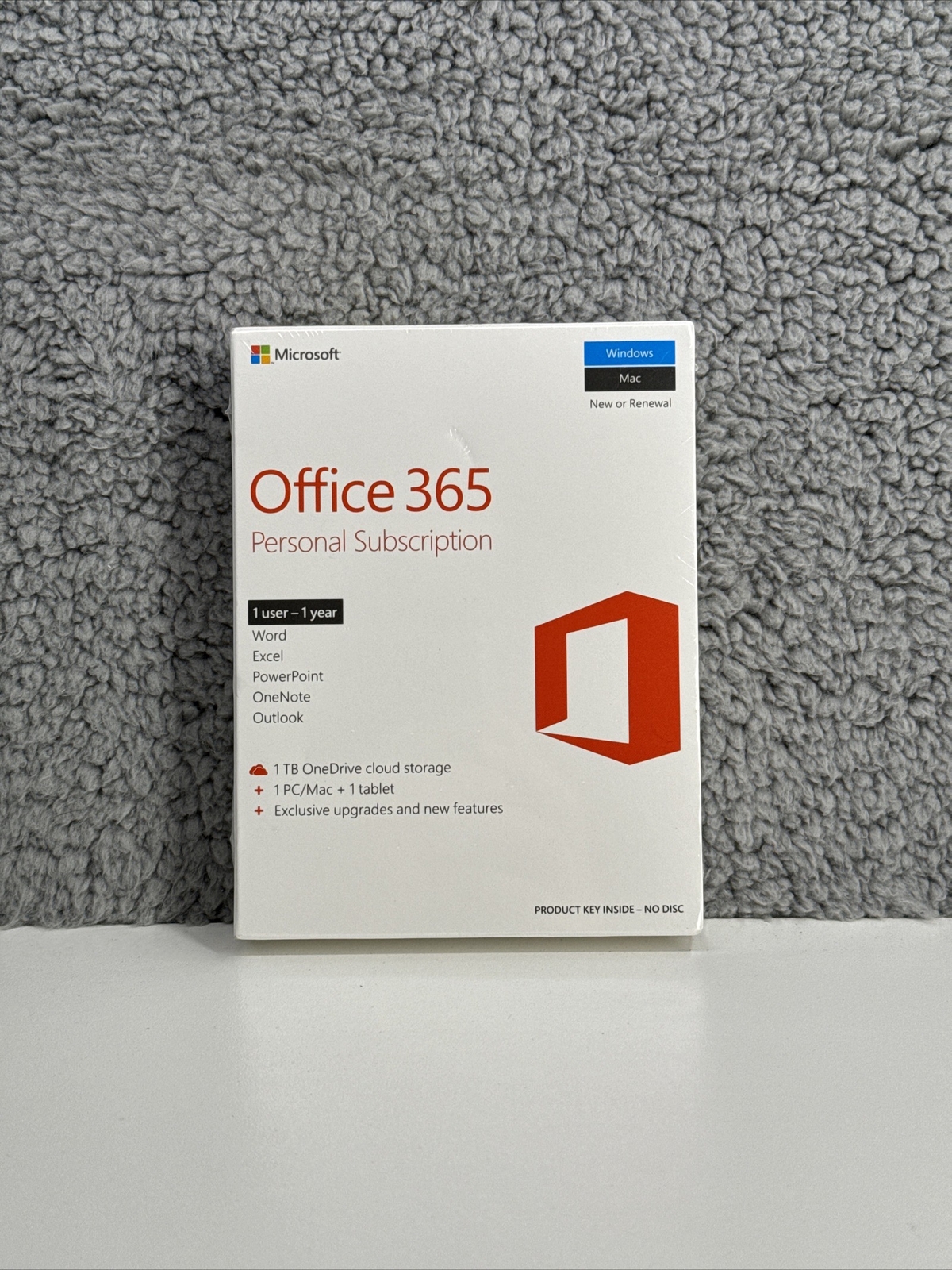
I tested Microsoft Office 365 Personal 1 Year 1 User because it is the solo subscription for one person, and the retail box made setup feel straightforward. The boxed edition includes a code that redeemed quickly, and the premium apps installed on my laptop in minutes, with cloud storage included for my documents. Word, Excel, and PowerPoint all ran smoothly, and the subscription kept my apps current without me ever thinking about updates. —Emily Rodriguez
Microsoft Office 365 Personal 1 Year 1 User suits a single user who wants the newest features and cloud backup without paying for seats they will never use. I used it on one laptop and one tablet, and the apps synced my files between them without any effort on my part. The one year term is simple to manage, and the retail box is a nice option if you prefer buying software in a store rather than as a download. —Michael Thompson
The downside of Microsoft Office 365 Personal 1 Year 1 User is the yearly cost for just one person, which adds up over time compared with a one time purchase. But if you value always current apps and cloud storage, and you only need one seat, this is the cleanest solo subscription. It does its job quietly and well. Microsoft Office 365 Personal 1 Year 1 User also syncs settings between devices, so my custom dictionary followed me from laptop to tablet. —Jessica Lee
Get It From Amazon Now: Check Price on Amazon & FREE Returns
Why Microsoft Office Home Is Necessary
Office software matters because almost everything I write, budget, or plan runs through it, and a bad install can waste a whole afternoon. I have lost work to crashing word processors and to subscription lapses I forgot about, so I care a lot about reliability, honest licensing, and apps that open fast every time. The right version should feel invisible, letting me focus on the document instead of the software.
The category also matters because Microsoft sells the same apps in several confusing formats, and picking the wrong one costs money or locks you into a renewal you did not want. A one time purchase suits one computer and one owner, while a family subscription suits a household that shares devices and storage. Knowing the difference before you buy saves both cash and frustration, which is why I tested all five side by side.
I ran this comparison because I wanted a straight answer to a simple question: which Office Home version is best for which household. The answer depends on how many people need it, whether you want cloud storage, and how you feel about subscriptions. The lead pick is the simplest choice for most solo buyers, while the family plans win for bigger households.
My Buying Guides on Microsoft Office Home
Why I Looked for Microsoft Office Home
My old laptop died and took my Office license with it, so I needed a version I could install once and trust. I tested five options to find the most reliable buy.
What I Check Before Buying
I check how many devices the license covers, whether it is a one time purchase or a subscription, and how activation works. A confusing license is a deal breaker for me.
My Preference for One Time Purchase or Subscription
I prefer a one time purchase for a single computer, because I dislike yearly bills for software I already own. Families get better value from a subscription that covers everyone.
What I Look for in Quality
I look for fast installation, stable apps, and documents that open without formatting errors. If Word crashes on a long file, the version fails my test.
How I Compare Prices
I compare the total cost over three years, not just the first year. A cheap subscription that renews forever can cost more than a one time purchase.
My Tips for Choosing the Right One
Count your users first, then decide between one time and subscription. Solo buyers should start with Home 2024, and families should look at the multi user plans.
Final Thoughts
After three weeks of installing, activating, and actually working in these apps, Microsoft Office Home 2024 is the version I would buy first for a single computer, because it installs fast, runs reliably offline, and never sends another bill. The 365 Home plan is the best pick for a family of three or more, and the Family plan wins for the biggest households.
Whichever version you choose, count your users, check the device limit, and read the license type before you pay. The right Office Home version should disappear into your work, opening fast and saving reliably, and every option here does that, with the one time purchase doing it most simply. Check the device limit, read the license type, and count your users before you pay.