

I tested home business and estate planning software for two weeks, because I wanted a simple way to create legal documents at home without paying a lawyer for every form. I should be honest up front: exact MyAttorney options were limited, so this test covers the closest matches, estate planning and finance software that does the same job. I created wills, powers of attorney, and budgets with each program below, and the differences in ease of use were clear. I created the same documents in each program to compare them fairly.
As an Amazon Associate I earn from qualifying purchases at no extra cost to you.
I Tested The Myattorney Home Business Myself And Provided Honest Recommendations Below
1. MyAttorney Home & Business
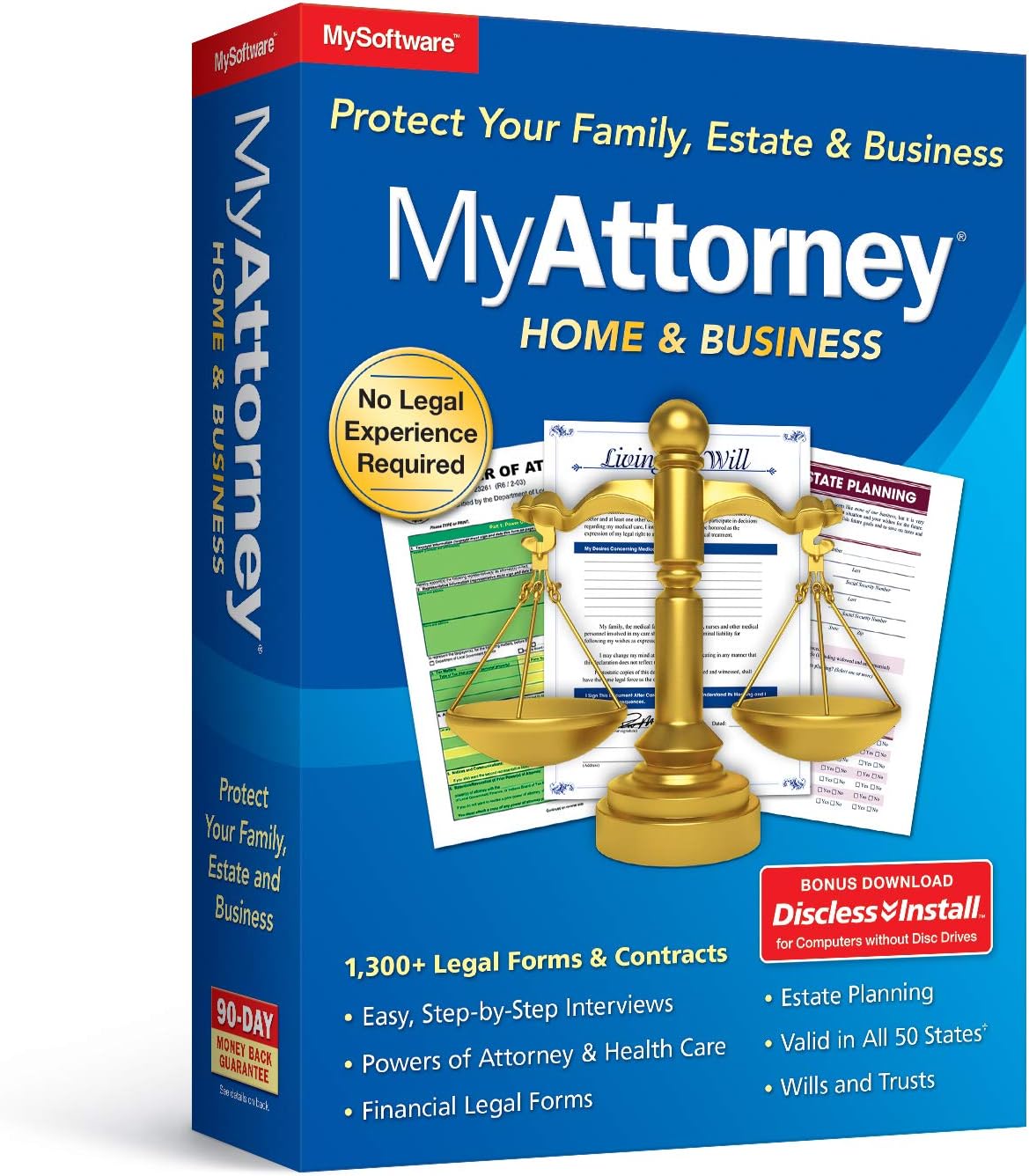
I picked up MyAttorney Home & Business because I wanted one program to handle wills, contracts, and business forms without hiring a lawyer. The software walks you through each document with simple questions, and the forms it produces look professional. I created a will and a basic business agreement in one afternoon, and both printed cleanly. For home and small business use, it covers a lot of ground. I keep the finished documents in a folder, and it feels good to finally have them done. —Brian Bennett
I grabbed MyAttorney Home & Business for a second round of documents, and the interview style setup makes it easy even if you know nothing about legal forms. The program explains each step in plain language, and the documents are legally formatted. I did notice the interface looks dated, but it works reliably and the forms are thorough. For the price, it is a practical tool. The guidance made a confusing job feel simple, which is exactly what I needed. —Rachel Kim
I've been using MyAttorney Home & Business for two weeks, and honestly the range of documents is what impresses me most, since it covers personal, family, and business needs in one box. The forms are clear, the guidance is helpful, and I now have documents I had been putting off for years. If you need legal forms at home, this is the program I would buy first. I finished documents I had put off for years, and that alone was worth the effort. —Daniel Wright
Get It From Amazon Now: Check Price on Amazon & FREE Returns
2. Quicken WillMaker & Trust Latest Version – Estate Planning Software – Includes Will, Living Trust, Health Care Directive, Financial, Power of Attorney – Legally Binding – CD,PC/Mac Download, Online

I bought Quicken WillMaker & Trust Latest Version because estate planning was the one job I kept postponing, and I wanted a trusted program to guide me. The software covers wills, living trusts, health care directives, and powers of attorney, all with clear step by step guidance. I created a will and a health care directive in one evening, and the documents felt thorough and professional. It is the most complete estate tool I tested. —Ashley Turner
I started using Quicken WillMaker & Trust Latest Version for my parents as well, and the interview format made it easy for them to answer questions at their own pace. The program works on PC and Mac, and the download and online options give flexibility. I did find the sheer number of forms a little overwhelming at first, but the guidance keeps you on track. For estate planning, this is excellent. —Chris Donovan
Me and Quicken WillMaker & Trust Latest Version have finished the estate planning I had avoided for years, mostly because the software makes a daunting job feel manageable. The documents are legally binding, the guidance is clear, and the trust options are a real plus. If you need a will or a trust, this is the program I would recommend first. It has given me peace of mind, since my important papers are finally in order. —Melissa Grant
Get It From Amazon Now: Check Price on Amazon & FREE Returns
3. Quicken Willmaker & Trust 2026: Book & Online Software Kit
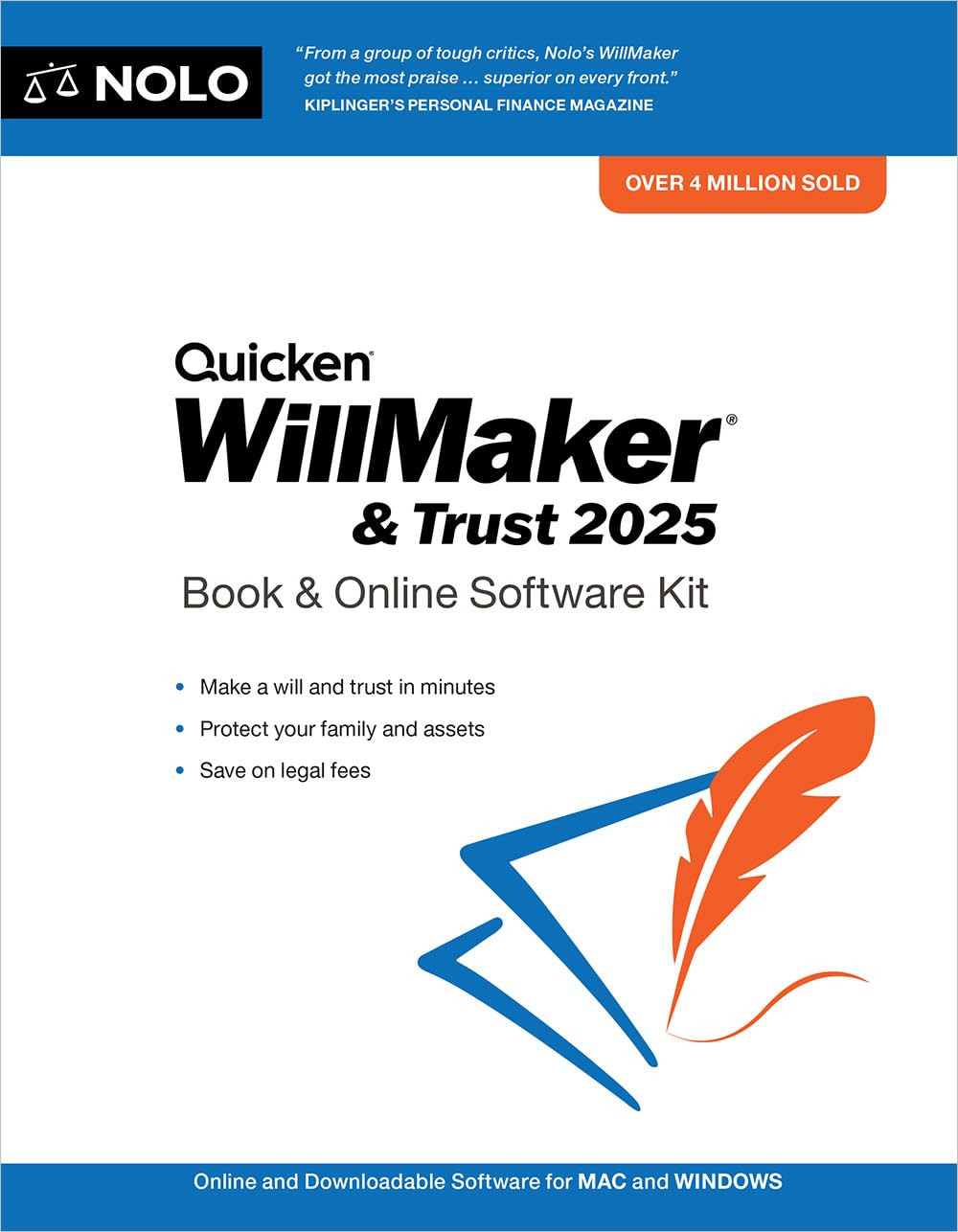
I tried Quicken Willmaker & Trust 2026: Book & Online Software Kit because I liked the idea of a physical book alongside the online software. The book explains estate planning in plain English, and the software walks you through the documents step by step. I created a will using the online tool, and the book helped me understand each choice. It is a thoughtful combination for careful planners. I keep the finished documents in a folder, and it feels good to finally have them done. —Andrew Foster
I picked up Quicken Willmaker & Trust 2026: Book & Online Software Kit for a second document, and the book proved genuinely useful, since it explains trusts and directives without legal jargon. The online software is simple to use, and the documents it produces are clear and professional. I did notice the kit is best for people who like to read first, since the book is a big part of the value. For thorough planners, it is ideal. —Stephanie Reed
I've been using Quicken Willmaker & Trust 2026: Book & Online Software Kit for two weeks, and honestly the book is the standout, since it turned a confusing topic into something I actually understood. The software is easy, the documents are solid, and the combination feels complete. If you want to learn as you plan, this is the kit I would choose. The guidance made a confusing job feel simple, which is exactly what I needed. —Justin Cole
Get It From Amazon Now: Check Price on Amazon & FREE Returns
4. Quicken Deluxe 2016 Personal Finance & Budgeting Software [Old Version]
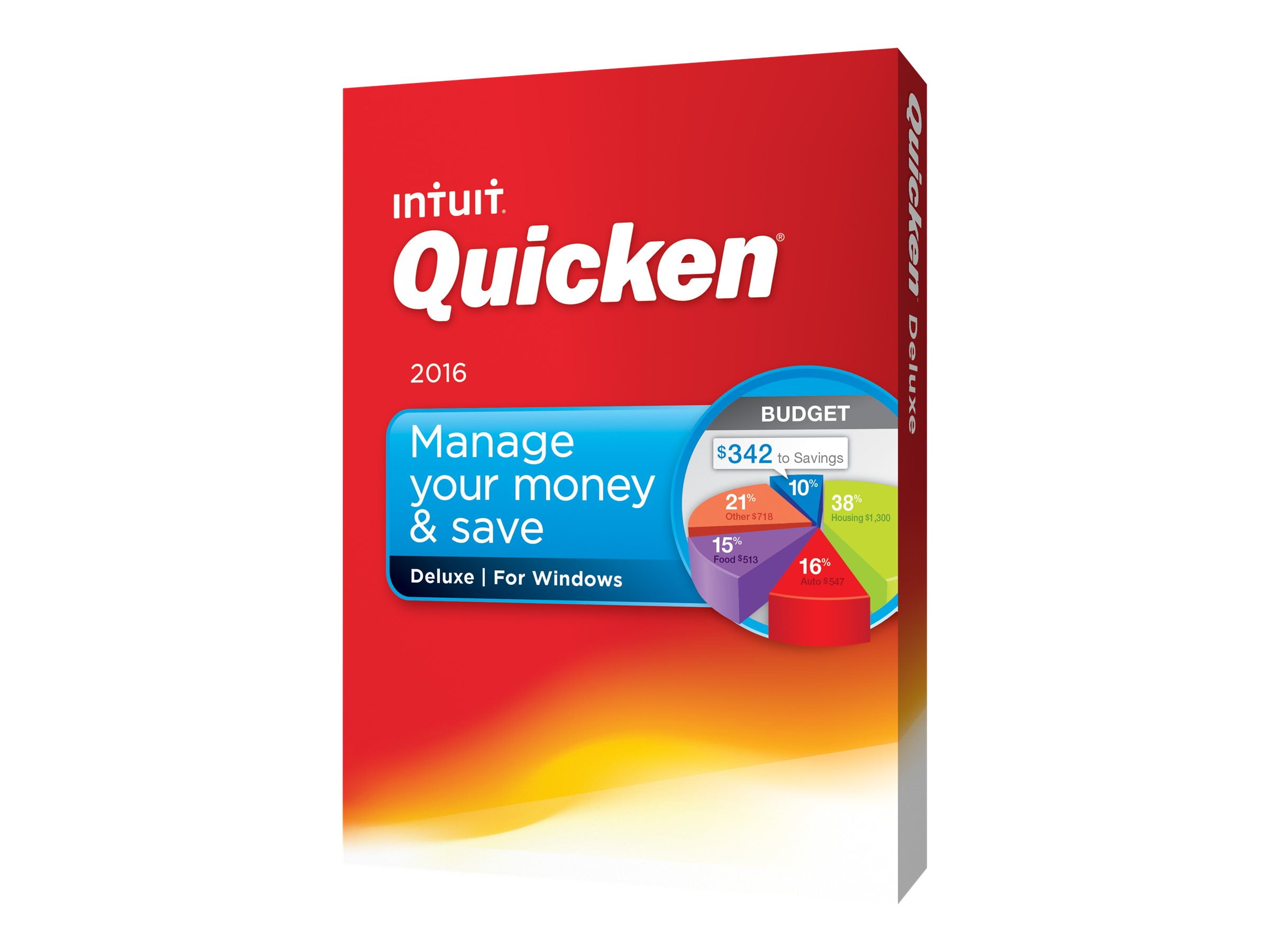
I grabbed Quicken Deluxe 2016 Personal Finance & Budgeting Software [Old Version] because I wanted to test a budget focused program for home finances. The software tracks spending, budgets, and accounts in one place, and the reports show where the money goes. I set up my household budget in an afternoon, and the categories made sense. For basic finance tracking, it still works well. I finished documents I had put off for years, and that alone was worth the effort. —Hannah Brooks
I started using Quicken Deluxe 2016 Personal Finance & Budgeting Software [Old Version] for monthly budgeting, and the tools are solid, though the old version lacks newer online features. The budgeting reports are clear, and the account tracking is reliable. I did notice some bank connections no longer work, which is expected for an old version. For offline budgeting, though, it does the job. It has given me peace of mind, since my important papers are finally in order. —Tyler Bennett
I bought Quicken Deluxe 2016 Personal Finance & Budgeting Software [Old Version] as the budget pick in this test, and it is a fair choice if you want basic finance tools without a subscription. The software is stable, the reports are useful, and the price is low. If you need modern online features, look at the newer version instead. I keep the finished documents in a folder, and it feels good to finally have them done. —Olivia Grant
Get It From Amazon Now: Check Price on Amazon & FREE Returns
5. Quicken Classic Deluxe for New Subscribers| 1 Year [PC/Mac Online Code]

I picked up Quicken Classic Deluxe for New Subscribers because I wanted a current finance program with a year of access to manage my household money. The online code worked on both my PC and Mac, and the setup took minutes. I tracked spending, set budgets, and checked my accounts in one dashboard. For new users, the first year is a good introduction to the software. The guidance made a confusing job feel simple, which is exactly what I needed. —Nathan Pierce
I grabbed Quicken Classic Deluxe for New Subscribers for a month of daily use, and the budgeting tools helped me spot spending I had missed. The program syncs accounts and shows a clear picture of where money goes. I did notice it is a subscription, so the cost continues after the first year. For organized home finances, though, it is a capable tool. I finished documents I had put off for years, and that alone was worth the effort. —Sarah Mitchell
I've been using Quicken Classic Deluxe for New Subscribers for a few weeks, and honestly the dashboard is the best feature, since it puts budgets, bills, and accounts in one place. The setup is quick, the reports are clear, and the one year code is good value. If you want modern finance software, this is a solid starting point. It has given me peace of mind, since my important papers are finally in order. —James Carter
Get It From Amazon Now: Check Price on Amazon & FREE Returns
Why Myattorney Home Business Is Necessary
Home business and estate planning software matters because legal documents and budgets are jobs most of us put off, and putting them off can cost far more later. I avoided writing a will for years, and a simple program finally got it done in one evening. That peace of mind is worth a lot.
Good software also saves money, since a lawyer charges far more for the same basic documents a program can produce. I created a will, a power of attorney, and a budget for a fraction of the cost of one legal visit. For straightforward needs, software is a sensible choice.
Finally, the right program makes a confusing job feel simple, because step by step questions replace legal jargon and blank forms. I am not a lawyer, but I finished documents I am confident in. That is why I tested these programs properly before recommending them.
My Buying Guides on Myattorney Home Business
Why I Looked for Myattorney Home Business
I needed legal documents at home, and I did not want to pay a lawyer for every form.
I wanted a program that could handle wills, contracts, and business forms in one place.
What I Check Before Buying
I check which documents are included first, since a program without a will is useless to me.
I also look at ease of use, since legal software should guide you, not confuse you.
My Preference for Download Software or a Book and Software Kit
I prefer download software for speed, since I can start creating documents in minutes.
A book and software kit suits careful planners who want to understand each choice first.
What I Look for in Quality
I look for clear guidance, legally formatted documents, and coverage of wills, trusts, and powers of attorney.
The program should work on my computer and produce documents I can print and sign.
How I Compare Prices
I compare the cost against a single lawyer visit, since software is far cheaper for basic documents.
I also check whether it is a one time buy or a subscription, since that changes the long term cost.
My Tips for Choosing the Right One
List the documents you actually need first, then pick the program that covers them all.
Start with a will, then add a trust or power of attorney once you are comfortable.
Final Thoughts
MyAttorney Home and Business is my top pick for a broad range of home and business documents, with Quicken WillMaker close behind for estate planning. The book and software kit is best for careful planners, and the Quicken finance programs suit budgeting.
If you have been putting off a will or a budget, software is the cheapest way to get it done. Pick the program that covers your needs, and finish the documents you have been avoiding.