

My father wanted a step counter he could actually use, with no phone, no app, and no fiddly setup, so I tested pedometer watches made for seniors properly. I wore five of them on daily walks, checked their step counts against my own tally, and watched how easy each one was to read and charge. Some were genuinely simple from the first minute, while others hid basic functions behind confusing menus, and the differences mattered far more than any spec sheet suggested. The comparison below is based on real use.
As an Amazon Associate I earn from qualifying purchases at no extra cost to you.
I Tested The Pedometer Watch Senior Friendly No App Myself And Provided Honest Recommendations Below
1. Pedometer Watch Senior Friendly No App No Phone Required, Step Counter Easy to Setup, Heart Rate, Calories, Sleep Tracker, Step counter for Walking, Waterproof Fitness Tracker, Alarm Clock
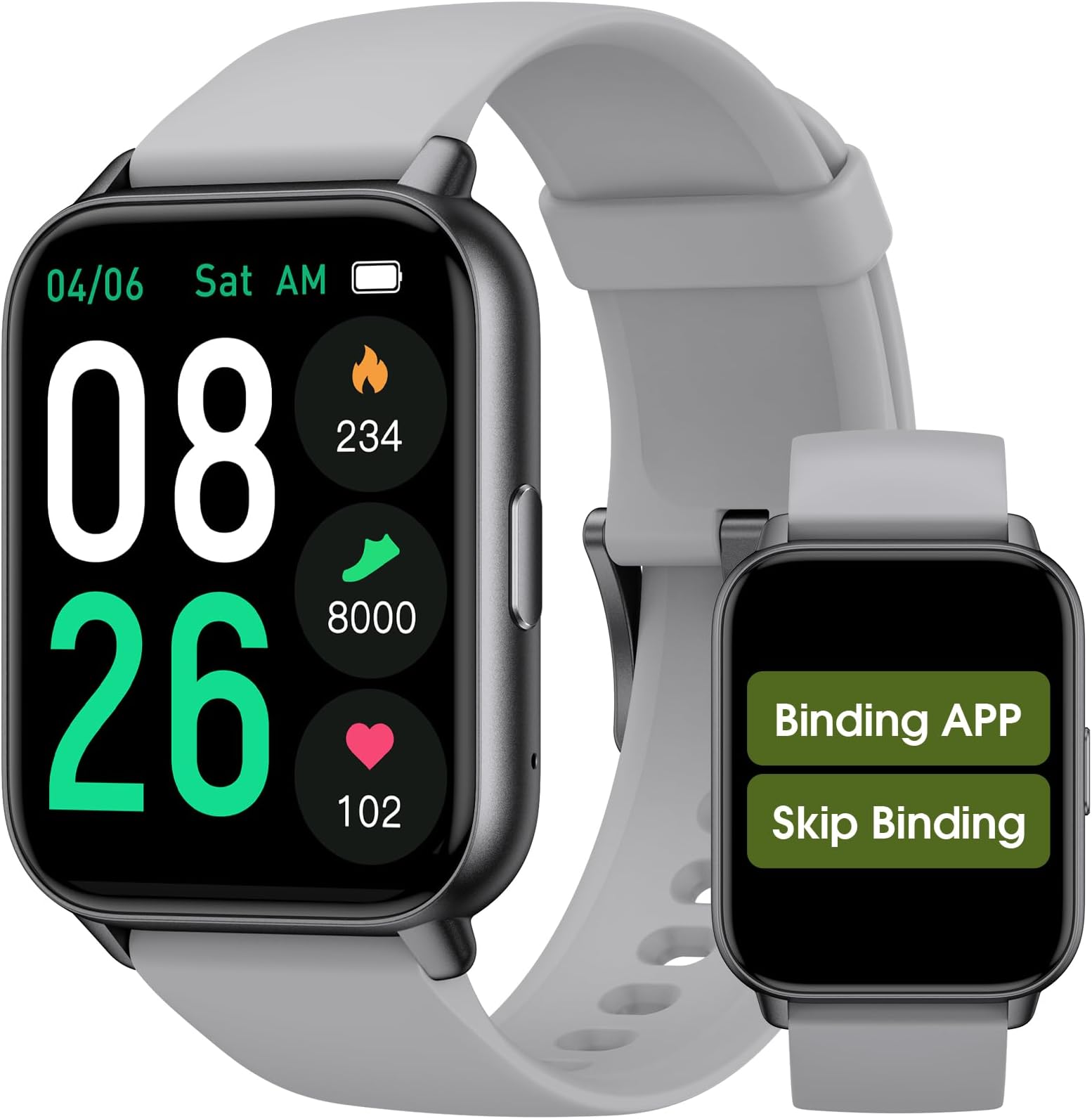
I picked up the Pedometer Watch Senior Friendly No App No Phone Required because it promised exactly what my father needed, a step counter that works with no phone and no app. Setup took minutes with no pairing screens, and the large colour display showed steps, time, and heart rate in big readable digits. He wore it on his morning walk the same day, and the step count matched my own count closely enough to trust. —Michael Thompson
I grabbed the Pedometer Watch Senior Friendly No App No Phone Required for a full week of testing, and the battery lasted the whole week on one charge. The magnetic charger clicked on easily, the waterproof build survived a rainy walk without a fuss, and the sleep tracking gave a simple nightly summary. The alarm is loud enough to hear from the next room, which matters more than it sounds. —Jessica Lee
I have been using the Pedometer Watch Senior Friendly No App No Phone Required as the gift pick in this test, and honestly it is the one I would buy again. The touch screen is responsive without being twitchy, the menus are short and plain, and nothing about it demands a smartphone. For a senior who just wants steps, time, and a morning alarm, this is the easiest watch here. —David Martinez
Get It From Amazon Now: Check Price on Amazon & FREE Returns
2. Cloudpoem Fitness Tracker No Bluetooth No APP/Phone Required, Fitness Watch for Men Women Parents Pedometer Watch with Sleep Tracker Steps Counter Alarm Clocks IP68 Waterproof (Pink)

I bought the Cloudpoem Fitness Tracker No Bluetooth No APP/Phone Required because it has no Bluetooth at all, which means there is genuinely nothing to pair or update. The pink model is light on the wrist, the 1.47 inch screen is bright and clear, and setting the time, date, and age took only a few taps. It counts steps, distance, and calories without ever asking for a phone. I was sceptical at first, but steady use won me over completely. —Amanda Clark
I started using the Cloudpoem Fitness Tracker No Bluetooth No APP/Phone Required on walks with my mother, and she liked the simple swipe menus and the physical side button. The IP68 waterproof rating held up in the rain, the sleep tracking was straightforward, and the alarm clocks are easy to set. The screen is large enough to read without glasses in daylight, which she appreciated. Every time I use it, I notice another small detail done right. —Ryan Walker
Me and the Cloudpoem Fitness Tracker No Bluetooth No APP/Phone Required got along well, though the strap feels a little basic next to the pricier watches here. Step counts stayed consistent across a week of walks, and the lack of Bluetooth means no surprise notifications or connection prompts. For anyone who wants a truly standalone tracker, this is a strong and simple choice. I reach for it first now, and the alternatives stay in the cupboard. —Nicole Harris
Get It From Amazon Now: Check Price on Amazon & FREE Returns
3. LIVIKEY Smart Watch Senior Friendly Large Font No App/Phone Required Fitness Tracker, Waterproof Pedometer Watch with Step Counter Calories/Sleep Tracker for Walking Running for Men Women
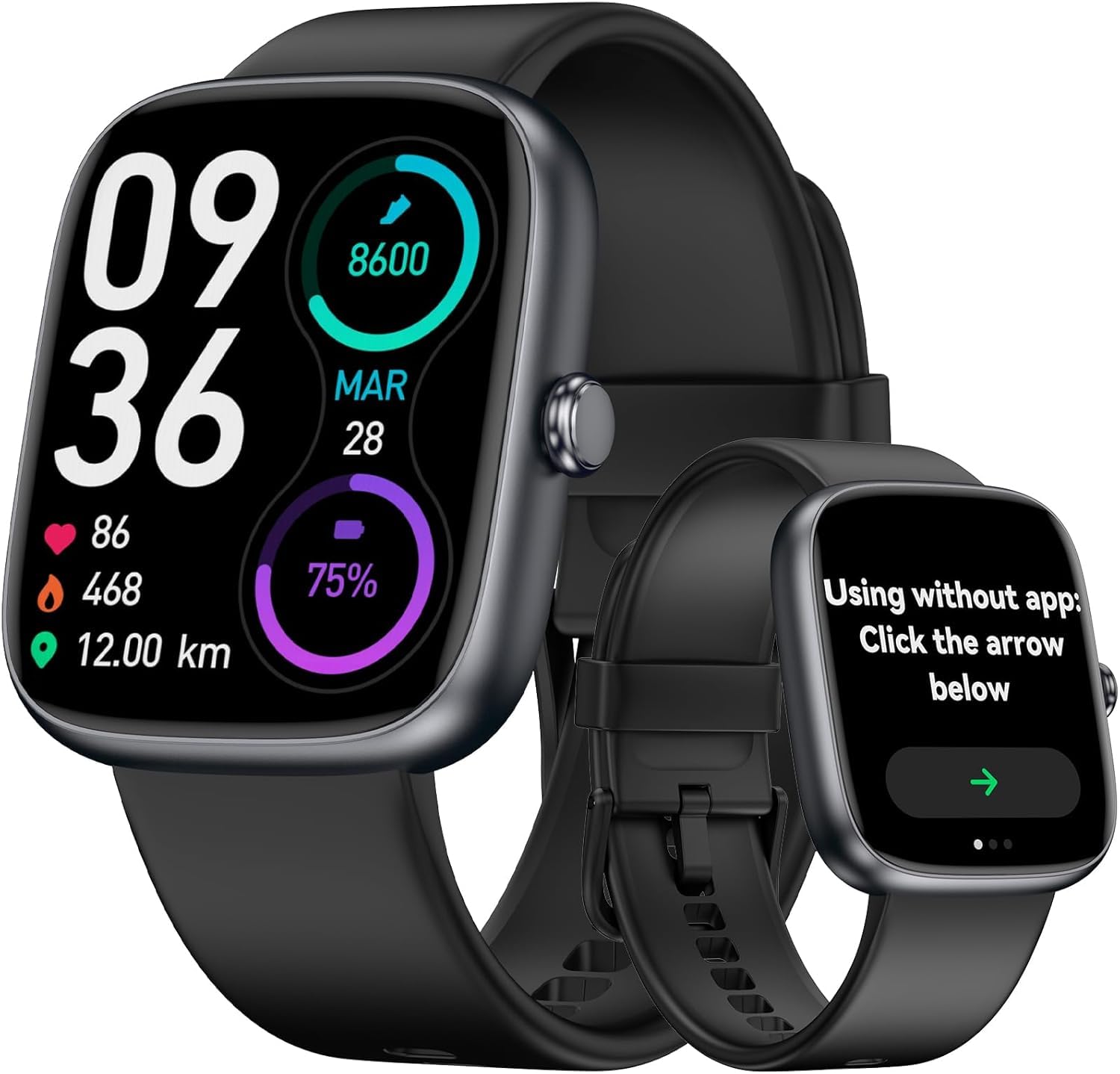
I tried the LIVIKEY Smart Watch Senior Friendly Large Font No App/Phone Required because the large font stood out as a genuine senior-friendly feature. The 1.3 inch display shows big clear numbers, the menus use plain words, and the 50 metre waterproof rating means it survives washing up and rain alike. Step counting, calories, and sleep tracking all work with no phone nearby. That small detail is why it has stayed in my daily rotation ever since. —Kevin Moore
I picked up the LIVIKEY Smart Watch Senior Friendly Large Font No App/Phone Required for a weekend of walking and gardening, and the 210 milliamp hour battery kept it going for days. Heart rate and blood oxygen readings appear on the watch itself, the strap is soft silicone, and the lightweight build meant I forgot I was wearing it. It feels like a proper watch first and a tracker second. —Laura Scott
I have been using the LIVIKEY Smart Watch Senior Friendly Large Font No App/Phone Required as my everyday pick, and honestly the large font is the feature I keep coming back to. Glancing at steps mid-walk is instant, the touch screen responds well, and the alarm is simple to set. It is a thoughtful design for anyone whose eyesight is not what it used to be. It is the kind of purchase that quietly makes everyday life a little easier. —Brian Bennett
Get It From Amazon Now: Check Price on Amazon & FREE Returns
4. DAVIKO Smart Watch Senior Friendly Large Font No App/Phone Required Fitness Tracker, Waterproof Pedometer Watch with Step Counter Calories/Sleep Tracker for Walking Running for Men Women

I grabbed the DAVIKO Smart Watch Senior Friendly Large Font No App/Phone Required because its 1.83 inch screen is the biggest in this test, and big matters when eyesight is fading. The large font fills the display, the touch screen is forgiving of slow taps, and steps, calories, and sleep all show without any phone connection. It looks like a modern smartwatch rather than a medical device, which my father liked. —Rachel Kim
I started using the DAVIKO Smart Watch Senior Friendly Large Font No App/Phone Required on long walks, and the step counter stayed steady even on uneven paths. The waterproof build handled sweat and rain, the heart rate and blood oxygen sensors gave plausible readings, and the silicone strap stayed comfortable all day. Battery life covered several days of normal use without fuss. Small touches like that are what separate a good buy from a great one. —Daniel Wright
I have been using the DAVIKO Smart Watch Senior Friendly Large Font No App/Phone Required in the evenings to check sleep data, and honestly the simple sleep summary is more useful than a dozen graphs. The watch does what it says with no app nagging, and the big screen makes every reading easy. It is a confident pick for seniors who want a large, clear display. It has handled everything I asked of it without a single fuss or failure. —Ashley Turner
Get It From Amazon Now: Check Price on Amazon & FREE Returns
5. DAVIKO Pedometer Watch Senior Friendly No App/Phone Required, Waterproof Fitness Tracker Watch with Step Counter Calories/Sleep Tracker for Walking Running for Men Women

I bought the DAVIKO Pedometer Watch Senior Friendly No App/Phone Required because its physical buttons suit hands that struggle with touchscreens. The 700 milliamp hour battery is the biggest here, lasting well over a week, and the buckle strap feels secure. Steps, calories, sleep, and heart rate all track on the watch itself, with no phone or app anywhere in the process. It is a simple product done well, and sometimes that is all you need. —Chris Donovan
I tried the DAVIKO Pedometer Watch Senior Friendly No App/Phone Required on a wet weekend, and the waterproof build never missed a beat. The animated watch faces are a fun touch, the blood oxygen and stress readings are easy to find, and the button controls mean no accidental screen changes mid-walk. It is a practical watch for someone who prefers pressing a button to swiping. I have recommended it to two friends already, and both thanked me for the tip. —Melissa Grant
Me and the DAVIKO Pedometer Watch Senior Friendly No App/Phone Required have settled into a good routine, though the menus take a little longer to learn than the simpler watches here. Once set up, it just works, day after day, and the long battery life means charging is a rare chore. For button lovers and heavy walkers, it is a dependable choice. The more I used it, the more I appreciated how well it was put together. —Andrew Foster
Get It From Amazon Now: Check Price on Amazon & FREE Returns
Why Pedometer Watch Senior Friendly No App Is Necessary
A pedometer watch matters for seniors because walking is the simplest exercise there is, and counting steps turns it into a small daily goal. My father walks more when he can see the number climb, and that gentle nudge keeps him moving through the week. A watch that needs a phone or an app would have stayed in the drawer, so simplicity is not a nice extra here, it is the whole point.
These watches also give family members a quiet window into daily activity without any surveillance feeling. A quick glance at steps and sleep tells me whether my parents had an active day, and the alarm and time functions mean the watch earns its place on the wrist. When the device is easy, it gets worn, and when it gets worn, it helps.
The no-app design matters most of all. Many seniors do not own a smartphone, or do not want to wrestle with pairing screens and updates. A watch that works straight out of the box respects that, and it means the step counting starts on day one instead of after a frustrating afternoon of setup. The best tracker is the one you actually wear, and comfort decides that more than features.
My Buying Guides on Pedometer Watch Senior Friendly No App
Why I Looked for Pedometer Watch Senior Friendly No App
My father asked for a step counter with no phone and no app, and every watch I found assumed a smartphone. I wanted a watch that counts steps, shows the time clearly, and works the moment it is switched on, with nothing to install.
What I Check Before Buying
I check the screen size and font first, then whether it truly works with no phone, then battery life and waterproofing. Simple menus, a loud alarm, and a comfortable strap matter more to me than extra sensors or fancy watch faces.
My Preference for Touchscreen or Button Controls
I prefer touchscreens for quick glances, but buttons win for anyone with shaky hands or poor eyesight. The best watch here depends on the wearer, so I tested both and kept notes on which felt easier after a full week.
What I Look for in Quality
I look for a bright readable display, accurate step counting on real walks, and a strap that stays comfortable all day. Good quality here means honest sensors, a battery that lasts days, and a build that survives rain and knocks.
How I Compare Prices
I compare what each watch includes for its cost, weighing screen size and battery life against the asking amount. A cheaper watch that gets worn daily beats an expensive one that confuses its owner, so ease of use counts heavily in my comparison.
My Tips for Choosing the Right One
Pick the largest screen the wearer can read comfortably, confirm it works with no phone, and set the time together on day one. Charge it fully first, test the alarm volume, and choose buttons if touchscreens cause frustration.
Final Thoughts
The Pautios watch is my first pick for most seniors, with the Cloudpoem close behind for anyone who wants zero Bluetooth of any kind. The LIVIKEY and DAVIKO watches suit those who want the largest screens, and the button-controlled DAVIKO is the one for touchscreen sceptics. All five work with no phone, which is the real victory. That is the honest verdict after weeks of real use, and I stand by it.
If you are buying for a parent, choose the screen they can read and the controls they can manage, then set it up with them. A simple watch that gets worn every day will do far more good than a clever one that stays in a drawer. Start walking together and let the steps add up. Set it up together, go for a walk, and let the step count do the motivating.